Worried your nightly gaming sessions will blow through your data cap? You’re not alone.
Good news — playing online usually uses way less data than streaming video. But downloads and updates? That’s a different story. Here’s how much data gaming uses per hour, per month, and how you can keep it under control.
Quick answer: Most online games use 30-100 MB per hour, while shooters and battle royales with voice chat use 100-300 MB per hour. Game downloads and updates use far more, often 20-100 GB at once. If you play one hour daily, expect 1-9 GB per month for gameplay alone, plus extra for updates.
How much data does gaming actually use per hour?
Not all games are equal. A calm turn-based game sips data. A 100-player battle royale with live voice chat drinks a lot more.
Here’s what you can typically expect for actual gameplay (not downloads):
| Game Type & Examples | Typical Data Per Hour | Why It Varies |
|---|---|---|
| Light multiplayer (Minecraft, Chess.com, Among Us) | 30-50 MB | Small maps, fewer players, simple graphics |
| MOBA & strategy (League of Legends, Dota 2) | 40-100 MB | Steady updates, but not huge worlds |
| Shooters & battle royale (Fortnite, Call of Duty, Apex) | 100-300 MB | Large maps, 60-100 players, constant movement |
| With voice chat on (Discord, in-game chat) | +20-60 MB extra | Your voice is uploaded constantly |
So if you play Fortnite for an hour with friends on voice, you might use around 150-250 MB. Play a quieter game like Rocket League solo? Closer to 50-80 MB.
You can quickly estimate your gaming data usage with your own hours and games to see where you land.
Why do some games use more data than others?
It’s not about how good the graphics look on your screen. It’s about how much info your console or PC has to send and receive to stay in sync with everyone else.
1. Number of players and map size
A 1v1 match sends far less data than a 100-player lobby. Bigger worlds with more players mean more position updates every second.
2. Voice chat
This is a sneaky one. When your mic is open, you’re constantly uploading audio. That can add 30-50% to your hourly usage without you noticing.
3. Cross-play and tick rate
Games with higher tick rates (how often the server updates) feel smoother but use more data. Fast shooters often run at 60-128 tick, while slower games run lower.
4. Background activity
Even while you play, your console might be syncing cloud saves, downloading store images, or updating friends lists. It’s small, but it adds up.
Want to see the bigger picture for your whole home? You can calculate your total internet data including streaming and browsing alongside gaming.
How to calculate your monthly gaming data usage?
You don’t need to guess. Do a quick 30-second math check:
- Pick your game’s hourly use. Use the table above — say 150 MB per hour for your main game.
- Multiply by hours per day. 2 hours a day x 150 MB = 300 MB per day.
- Multiply by days per month. 300 MB x 30 days = 9,000 MB, or about 9 GB per month.
- Add voice chat if you use it. Add another 1-2 GB if you’re on Discord daily.
Here’s how that looks for different habits:
| Your Play Style | Hours Per Day | Estimated Monthly Gameplay Data |
|---|---|---|
| Casual (few times a week) | 1 hour, 4 days/week | 1-3 GB |
| Regular (daily after work) | 1-2 hours daily | 3-9 GB |
| Heavy (weekends + voice chat) | 3-4 hours daily | 10-20 GB |
This is just for playing. Downloads are separate — and much bigger.
Do game downloads and updates count more than playing?
Yes — by a lot. This is where most people get surprised by data caps.
Playing for a month might use 5-10 GB. One new game download can use 10 times that in a single night.
| Activity | Typical Data Size | How Often It Happens |
|---|---|---|
| New AAA game download (Call of Duty, GTA, FIFA) | 50-150 GB | Once per game |
| Major seasonal update | 10-40 GB | Every few weeks/months |
| Small patch / hotfix | 1-5 GB | Weekly for some games |
| Cloud save sync | <100 MB | Automatic |
A single Call of Duty update can be bigger than a whole month of actually playing. If you’re on a limited plan, schedule big downloads for the start of your billing cycle and pause auto-updates on consoles you don’t use daily.
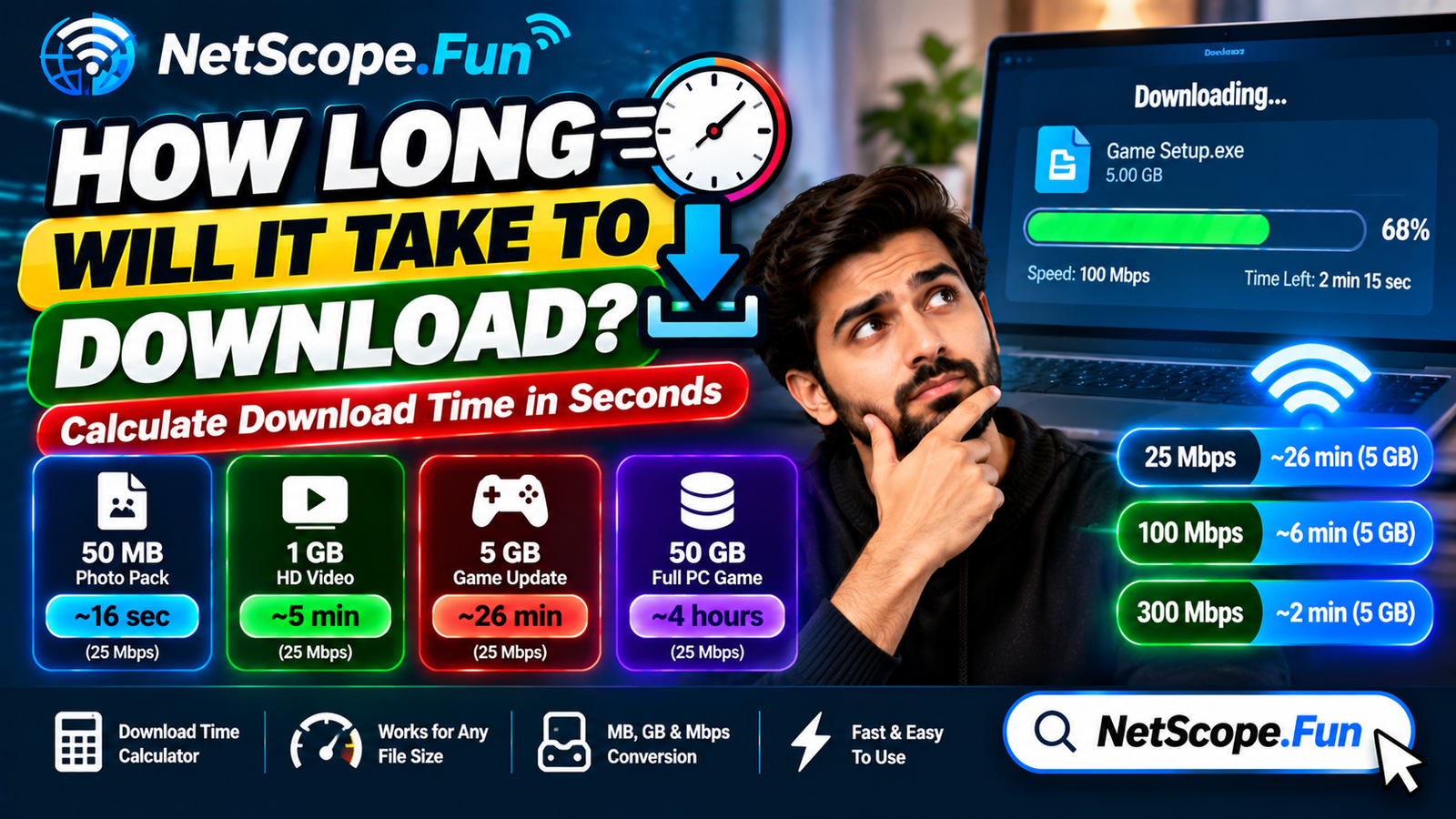
Curious how long that 80 GB update will take? You can estimate your download time based on your current speed before you hit start.
How can you use less data while gaming without lagging?
You don’t have to quit gaming to save data. Small tweaks help a lot:
- Turn off voice chat when you don’t need it. Use push-to-talk instead of open mic. It cuts upload data instantly.
- Pause auto-updates. Set your console or Steam to update only when you allow it, not in the background.
- Download updates on Wi-Fi only. If you tether on mobile data, one update can eat your whole allowance.
- Close background apps. Streaming Twitch or YouTube while you play doubles your data use.
- Lower the party size. A 5-person Discord call uses more than a 2-person call.
- Check your connection quality, not just data. Data caps aren’t the only issue — high ping ruins games faster than low data. You should check your ping and latency if you feel lag, even when data use looks low.
And if you share Wi-Fi with family, remember: someone streaming Netflix in 4K uses about 7 GB per hour — that’s like 30 hours of gaming. If your house feels slow, gaming is rarely the culprit. You can also check your internet speed needs for the whole household to find the right balance.
FAQs
How much data does gaming use per hour on average?
Most games use 30-100 MB per hour. Fast-paced shooters and battle royales use more, around 100-300 MB per hour, especially with voice chat on. It’s much less than streaming video, which can use 1-3 GB per hour.
Does gaming use a lot of data per month?
Not really for just playing. If you play 2 hours daily, expect 3-9 GB per month for gameplay. Downloads and updates are the big data users — a single new game can be 50-150 GB, which is more than months of playing.
Do you need fast internet for gaming?
You need stable, low-latency internet more than super-fast speeds. Most games play fine on 10-25 Mbps download and 3-5 Mbps upload, but ping under 60 ms is what keeps you from lagging.
Does voice chat increase gaming data usage?
Yes. Voice chat can add 20-60 MB per hour depending on the app and how much you talk. Push-to-talk uses less than an always-open mic. Discord and in-game chat both add to your total.
How can I check my exact gaming data usage?
Check your router’s data stats, your console’s network settings, or your ISP’s usage meter. For an estimate, multiply your game’s hourly use by your weekly hours. A calculator can do this math for you in seconds.
Is 100 GB of data enough for gaming?
Yes, for gameplay alone it’s plenty — that’s about 300-1,000 hours of gaming. But if you download new games often or share data with streaming and video calls, 100 GB can go quickly. Watch your updates.
Conclusion
Playing online doesn’t use nearly as much data as you might think — it’s the downloads that get you.
If you remember how much data gaming uses — roughly 30-300 MB per hour for playing, plus big one-time costs for downloads — you can plan your month without stress. Track your hours, pause auto-updates, and test your connection when lag hits, and you’ll stay under your cap without missing a match.