Worried your Netflix binge will blow through your data cap? If you stream daily, it helps to know how much data does streaming use before you get a slowdown or overage. You’ll get real per-hour numbers for SD, HD, and 4K, what changes your usage, and simple ways to save data without ruining picture quality.
Quick answer: Streaming uses about 0.5-1 GB per hour in SD, 1-3 GB per hour in HD (720p/1080p), and 7-10 GB per hour in 4K UHD. Music streaming is much lighter at 70-150 MB per hour. Your actual use depends on quality, platform, and device.
How much data does streaming use per hour?
It comes down to quality. The sharper the picture, the more data you pull every minute. Most apps auto-adjust quality, so you might use less on a phone and more on a 4K TV without changing a setting.
Here’s what you can typically expect while you’re actively streaming:
| Quality & Platform Example | Resolution | Typical Data Per Hour |
|---|---|---|
| Low / SD - YouTube, Netflix | 480p | 0.5 - 1.0 GB |
| HD - YouTube, Netflix, Disney+ | 720p | 1.0 - 1.8 GB |
| Full HD - Netflix, Prime Video | 1080p | 1.5 - 3.0 GB |
| Ultra HD 4K - Netflix, YouTube | 2160p | 7.0 - 10.0 GB |
| Music - Spotify, Apple Music | Audio only | 0.07 - 0.15 GB (70-150 MB) |
So one hour of Netflix in Full HD might use around 2 GB, while the same hour in 4K could use 7 GB or more. If you want a quick estimate for your own habits, you can estimate your streaming data with the Streaming Data Calculator and see how hours and quality add up.
What affects your streaming data usage the most?
Not all streams are equal. A few settings quietly decide whether you use 1 GB or 7 GB for the same show.
1. Video quality
This is the biggest lever. 4K uses 3-4 times more data than 1080p. Many TVs default to the highest quality your internet can handle, so you may be streaming 4K without realizing it.
2. Platform and compression
Netflix, YouTube, Disney+, and Prime Video compress video a bit differently. YouTube at 1080p can use slightly less than Netflix at 1080p, but the quality setting matters more than the app.
3. Device and screen size
Your phone often streams at 720p to save data and battery, while a smart TV will push for 1080p or 4K. Auto-play on a TV in the background can eat data fast.
4. Auto quality and connection speed
If your Wi-Fi is fast and stable, apps will bump you to higher quality automatically. A slower connection may drop you to SD, which actually saves data but looks softer.
5. Audio and extra features
Higher audio quality, multiple audio tracks, and previews that auto-play also add a little extra. It’s small per hour, but it adds up if you leave apps running.
Curious if your connection can handle 4K without buffering? You can check your current connection speed with the Internet Speed Calculator before you lock in a quality setting.
How to calculate your monthly streaming data usage?
You don’t need to log every episode. Just do a quick math check based on your routine.
- Pick your hourly rate. Use the table above. Let’s say 2 GB per hour for 1080p.
- Multiply by hours per day. 2 hours a day x 2 GB = 4 GB per day.
- Multiply by days per month. 4 GB x 30 = about 120 GB per month.
- Add music and other devices. If you also stream music 1 hour a day, add ~3-4 GB more.
Here’s how common habits stack up:
| Your Habit | Daily Streaming | Estimated Monthly Data |
|---|---|---|
| Light (a few episodes a week) | 1 hour at 720p | 30 - 50 GB |
| Regular (nightly shows) | 2 hours at 1080p | 90 - 150 GB |
| Heavy (family TV + 4K movies) | 4 hours, mix of HD/4K | 200 - 400 GB |
| Music mostly | 2 hours audio only | 4 - 9 GB |
If you share Wi-Fi with family, your total is the sum of everyone’s streams. It helps to track your total household usage with the Internet Data Usage Calculator so video calls, gaming, and streaming don’t push you over together.
How can you use less data while streaming without losing too much quality?
You don’t have to watch in blurry SD to save data. Try these tweaks first:
- Set quality manually. In Netflix, YouTube, or Disney+, change playback from Auto to 720p or 1080p. You’ll cut data by 30-60% and still get a clear picture on most screens.
- Turn off auto-play for previews and next episode. Those extra minutes add up when you fall asleep with the TV on.
- Download on Wi-Fi when you can. If your plan is tight, download shows on home Wi-Fi and watch offline later instead of streaming on mobile data.
- Lower quality on phones and tablets. You won’t notice 4K on a 6-inch screen, but your data plan will.
- Limit 4K to the big screen. Save 4K for movie night on the TV. Use HD for everyday viewing.
- Close extra streams. Two TVs streaming 4K at once can use 14-20 GB per hour combined.
Need to translate GB to MB for your plan? You can convert your data units quickly with the Data Storage Converter.
Streaming vs. video calls vs. gaming: what uses more?
Wondering what’s actually eating your allowance? Streaming is usually the heaviest of the three, especially in 4K.
| Activity | Typical Data Per Hour | Notes |
|---|---|---|
| Streaming (1080p) | 1.5 - 3.0 GB | 4K jumps to 7-10 GB |
| Video call (HD, 1:1) | 0.8 - 1.5 GB | Group calls use more |
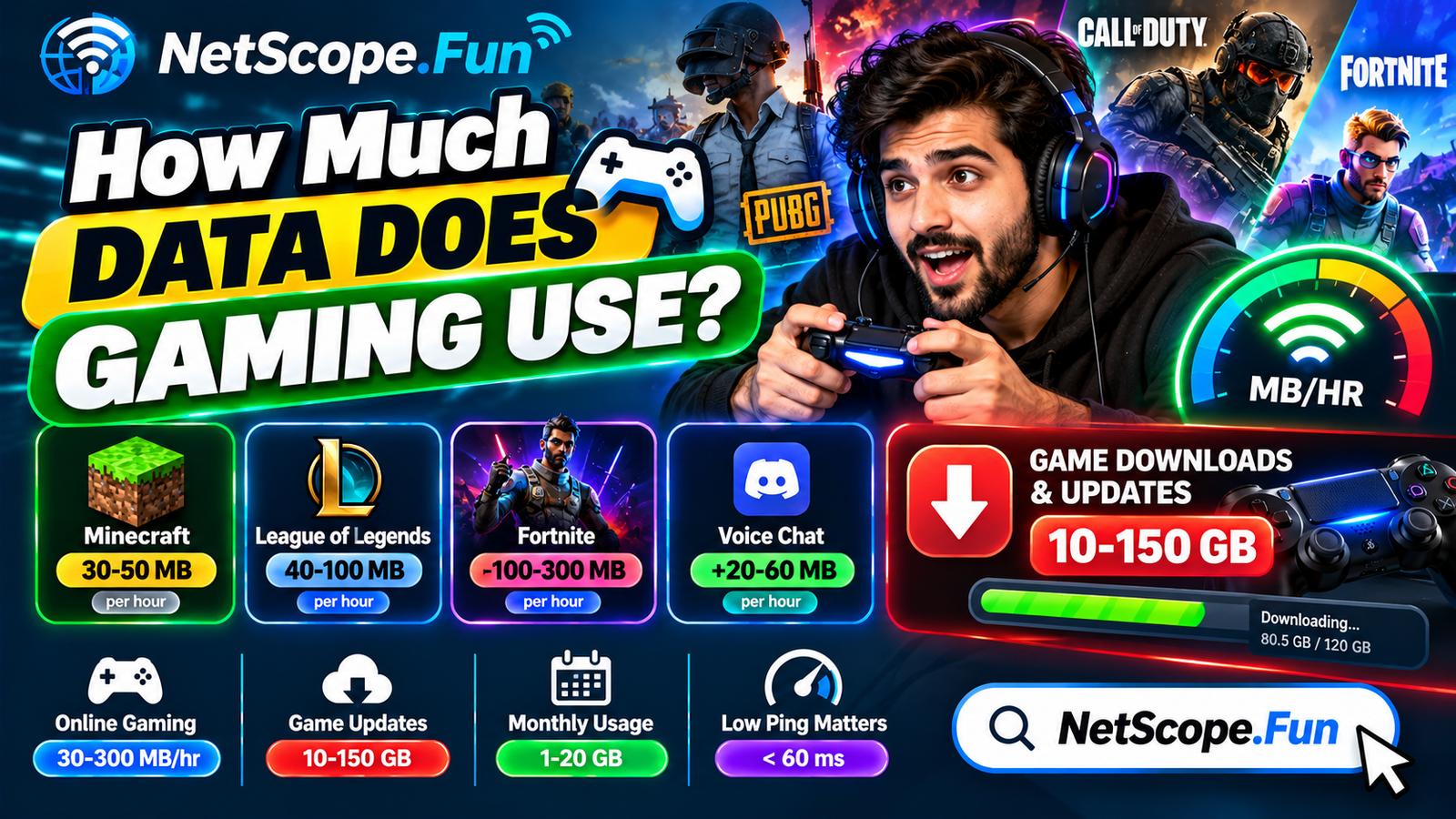
| Online gaming (gameplay) | 0.03 - 0.3 GB | Game downloads are much larger |
| Music streaming | 0.07 - 0.15 GB | Very light |
So one hour of 4K streaming can equal 4-5 hours of HD video calls or a whole day of gaming. If you do all three, it helps to compare your gaming data needs with the Gaming Data Usage Calculator and check your bandwidth needs with the Bandwidth Calculator.
FAQs
How much data does Netflix use per hour?
Netflix uses about 1 GB per hour in SD, 2-3 GB per hour in Full HD (1080p), and around 7 GB per hour in Ultra HD 4K. Your plan’s playback setting (Auto, Medium, High) controls this.
Does YouTube use less data than Netflix?
Often yes at the same resolution, because YouTube’s compression is efficient. But both will use 1-3 GB per hour in HD and 7-10 GB in 4K if you leave quality on Auto with a fast connection.
How much data does Spotify use per hour?
Spotify uses about 70 MB per hour on Normal quality, around 100-150 MB on High, and up to 300 MB on Very High. It’s much lighter than video streaming.
Can I stream in HD on a slow connection?
You can, but you may get buffering. For smooth 1080p you usually want at least 5-10 Mbps stable download per stream, and 25 Mbps for 4K. If your speed is lower, the app will often drop to SD automatically.
Is 100 GB enough for streaming?
It depends on quality. 100 GB gives you roughly 35-50 hours of 1080p, or about 12-14 hours of 4K. For one person watching 1-2 hours a day in HD, it’s usually enough. For a family with 4K TVs, it goes quickly.
How do I stop streaming from using so much mobile data?
Set video quality to 480p or 720p in the app, turn off auto-play, and download shows over Wi-Fi to watch offline. On phones, also disable “play over mobile data in highest quality” in the app settings.
Conclusion
Streaming doesn’t have to wreck your data plan if you keep quality in check.
Remember how much data does streaming use — about 1-3 GB per hour in HD and 7-10 GB in 4K — and match your settings to your plan. Pick one show, set quality manually, and estimate your monthly total so you can stream without surprises.