Paying for 200 Mbps but not sure you need it? Or stuck on a slow plan that buffers every evening? You’re not alone.
This guide shows you how much internet speed you really need based on what you actually do online — streaming, gaming, video calls, and how many people share your connection. No jargon, just clear numbers and examples to help you pick the right plan.
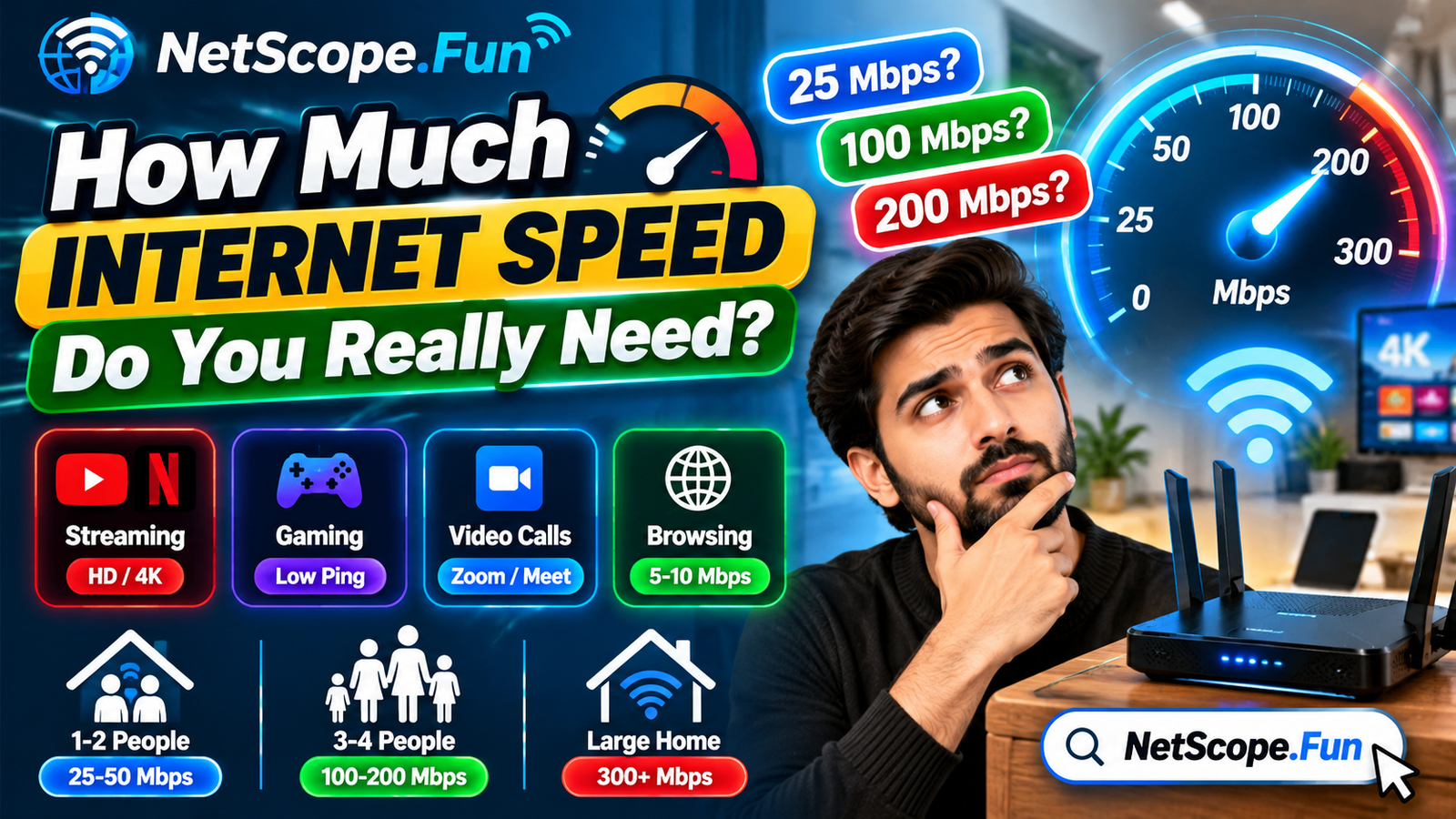
Quick answer: For most households, 25-50 Mbps is enough for 1-2 people browsing and streaming in HD. A family of 3-4 who streams in 4K, works from home, and games at the same time will feel more comfortable with 100-200 Mbps. Your ideal speed depends on how many people use the internet at once and what they do.
So, how much speed do you actually need?
It depends on two things: what you do and how many people do it at the same time.
If you mostly browse, check email, and watch YouTube or Netflix in HD, you don’t need a huge plan. If your house has someone on a Zoom call, someone streaming 4K, and someone gaming all at once, you’ll need a lot more headroom.
A good rule of thumb is to add up the needs of your busiest hour, not your average hour. That peak moment is what decides if your connection feels fast or frustrating.
You can quickly estimate your ideal speed with a calculator instead of guessing, and check your actual speed to see what you’re getting right now.
How much speed do common activities use?
Here’s the direct answer: most single activities don’t need much. It’s when you stack them that you need more.
| Activity | Typical Download Speed Needed | What to Know |
|---|---|---|
| Web browsing & email | 5-10 Mbps | Very light, even with many tabs open |
| Video calls (Zoom, Meet) | 3-6 Mbps | Needs stable upload too, not just download |
| Streaming HD video (1080p) | 5-10 Mbps | Per stream; Netflix and YouTube are similar |
| Streaming 4K video | 25 Mbps | Per stream; needs consistent speed |
| Online gaming | 3-6 Mbps | Low ping matters more than raw speed |
| Music streaming | 1-2 Mbps | Very light on bandwidth |
A few takeaways:
- Streaming is the biggest driver. One 4K stream uses about as much as five HD video calls.
- Gaming doesn’t need huge speed, but it hates lag. You’ll want low latency more than 100+ Mbps.
- Upload matters for calls and backups. If you send large files or are on camera all day, don’t ignore upload.
How does household size change what you need?
This is where most people underestimate. Your plan isn’t for one device — it’s for every phone, laptop, TV, and smart device running at once.
| Household & Usage Style | Recommended Download Speed | Why This Range |
|---|---|---|
| 1-2 people, light use (browsing, HD streaming, calls) | 25-50 Mbps | Covers 1-2 simultaneous streams with room to spare |
| 2-3 people, mixed use (HD/4K, work from home) | 100-150 Mbps | Handles 2-3 streams plus calls without slowdowns |
| 4+ people, heavy use (4K, gaming, multiple calls) | 200-300 Mbps | Keeps everyone smooth during peak evening hours |
| Large or smart home (many devices, cameras, backups) | 300+ Mbps | Extra headroom for background devices and uploads |
Think in scenarios:
- You live alone and watch Netflix in HD while browsing? 25-50 Mbps is usually plenty.
- You and a partner both work from home and stream in the evening? Aim for 100 Mbps or more so two video calls and a TV don’t fight each other.
- Family of four with teens gaming and streaming in 4K? 200 Mbps gives you breathing room, especially on Wi-Fi where you lose some speed to distance and walls.
If you want to get precise, use a tool to plan your total bandwidth based on your exact devices and habits.
Do you need fast upload speed too?
Yes, if you do anything where you send data out.
Download is what you pull in — streaming, browsing, downloading files. Upload is what you send out — your video on a Zoom call, files to the cloud, live streaming, or backing up photos.
Most cable and fiber plans give you much faster download than upload. That’s fine for watching, but you’ll feel slow upload when:
- Your video freezes on calls but incoming video looks fine
- Cloud backups take forever
- Online games feel laggy even though your download test looks good
For casual use, 5-10 Mbps upload is enough. If you work from home with frequent video calls or upload large files, look for 20 Mbps upload or more. Fiber plans often offer symmetrical speeds, which helps a lot here. You can test your upload performance to see where you stand.
What about ping and latency?
Ping is not the same as speed. Speed is how much data you can move; ping is how fast it reacts.
Low ping means less delay. That’s critical for gaming, video calls, and even browsing. A connection with 100 Mbps and high ping can feel worse than 50 Mbps with low ping.
- Under 30 ms is excellent for gaming and calls
- 30-60 ms is good for most people
- Over 100 ms you’ll notice lag, delays, and talk-over on calls
Wi-Fi distance, an old router, or a congested network can raise ping even if your speed test looks okay. Try using ethernet for gaming or important calls, close heavy downloads in the background, and test your ping and latency at different times of day to spot patterns.
How to figure out your right number
You don’t need to guess. Here’s a simple way to do it in five minutes:
- List your peak-time activities. Example: 1x 4K stream (25 Mbps) + 2x video calls (6 Mbps each) + 1x gaming (5 Mbps) = ~42 Mbps.
- Add 30-50% buffer. Networks have overhead and Wi-Fi loses speed. So 42 Mbps becomes ~55-65 Mbps in real life.
- Count extra devices. Smart TVs, phones updating apps, security cameras — add 10-20 Mbps if many run in the background.
- Check your current plan. Run a wired test if you can, and check your Wi-Fi performance on the devices you actually use.
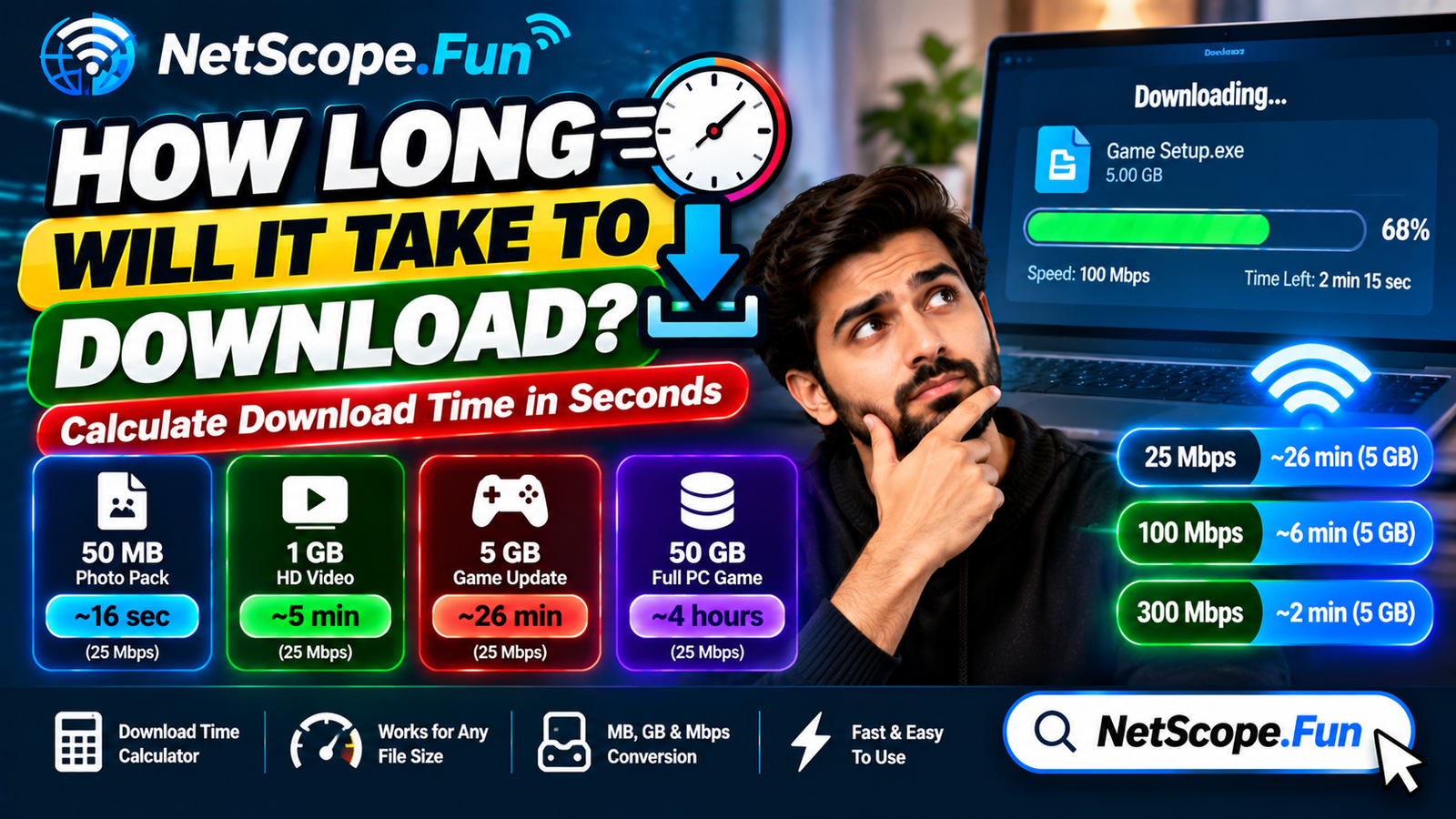
- See how long big files take. If you often download games or updates, see how long downloads take on your speed so you know what to expect.
If your math lands around 60 Mbps and your plan is 50 Mbps, you’ll likely feel slowdowns at peak times. If you’re at 90 Mbps and your plan is 200 Mbps, you’re probably paying for more than you need — unless your Wi-Fi setup is eating a lot of that speed.
Common mistakes to avoid when picking a plan
- Buying the biggest number you see. Faster isn’t always better if your Wi-Fi or devices can’t use it. A good router placement and ethernet cable can make a 100 Mbps plan feel faster than a 300 Mbps plan on weak Wi-Fi.
- Ignoring upload. If you’re on video all day, a plan with 100 Mbps down but only 5 Mbps up will frustrate you.
- Testing only once. Speed changes by time of day. Test in the morning and again at 8 p.m. when everyone in your area is online.
- Forgetting about data caps. Some providers limit how much you can use per month. Heavy 4K streaming and cloud backups add up fast.
- Not checking wired vs. wireless. If your wired test is fast but Wi-Fi is slow, the problem is your home network, not your plan.
A quick tip: before you upgrade, fix what you can for free. Move your router to a central, elevated spot, update its firmware, and disconnect devices you’re not using. Then re-test.
FAQs
Is 100 Mbps fast enough for most homes?
Yes, for many homes it is. 100 Mbps handles HD and even one 4K stream plus video calls for 2-3 people. You’ll want more if four or more people stream in 4K, game, and work from home at the same time.
How much speed do I need for 4K streaming?
You need about 25 Mbps per 4K stream for smooth playback. If two TVs stream 4K at once, plan for at least 50 Mbps just for video, plus extra for other devices and calls.
Is 25 Mbps enough for working from home?
For one person, often yes. Video calls need 3-6 Mbps down and up, plus browsing and cloud apps. If two people have calls at once or you upload large files, 50-100 Mbps will feel more reliable.
Does online gaming need high internet speed?
Not really. Most games need only 3-6 Mbps, but they need low ping and stable upload. Use ethernet, close background downloads, and keep ping under 60 ms for the best experience.
Why is my Wi-Fi slower than my plan?
Distance, walls, interference, an old router, or too many devices can cut Wi-Fi speed. Test with a wired connection to see your true plan speed, then improve Wi-Fi placement or consider a newer router.
Should I get a faster plan or fix my Wi-Fi first?
Fix Wi-Fi first. Move the router centrally, restart it, update it, and test again. If wired speeds are still low or you consistently max out your plan at peak times, then consider upgrading.
Conclusion
You don’t need the fastest plan on the page — you need the right one for your busiest hour.
Add up what everyone does at the same time, add a little buffer for Wi-Fi and background devices, and pick the plan that covers that peak without paying for speed you’ll never use. Run a quick test tonight and compare it to your actual evening usage; that one check will tell you if you should stay, fix your Wi-Fi, or upgrade.